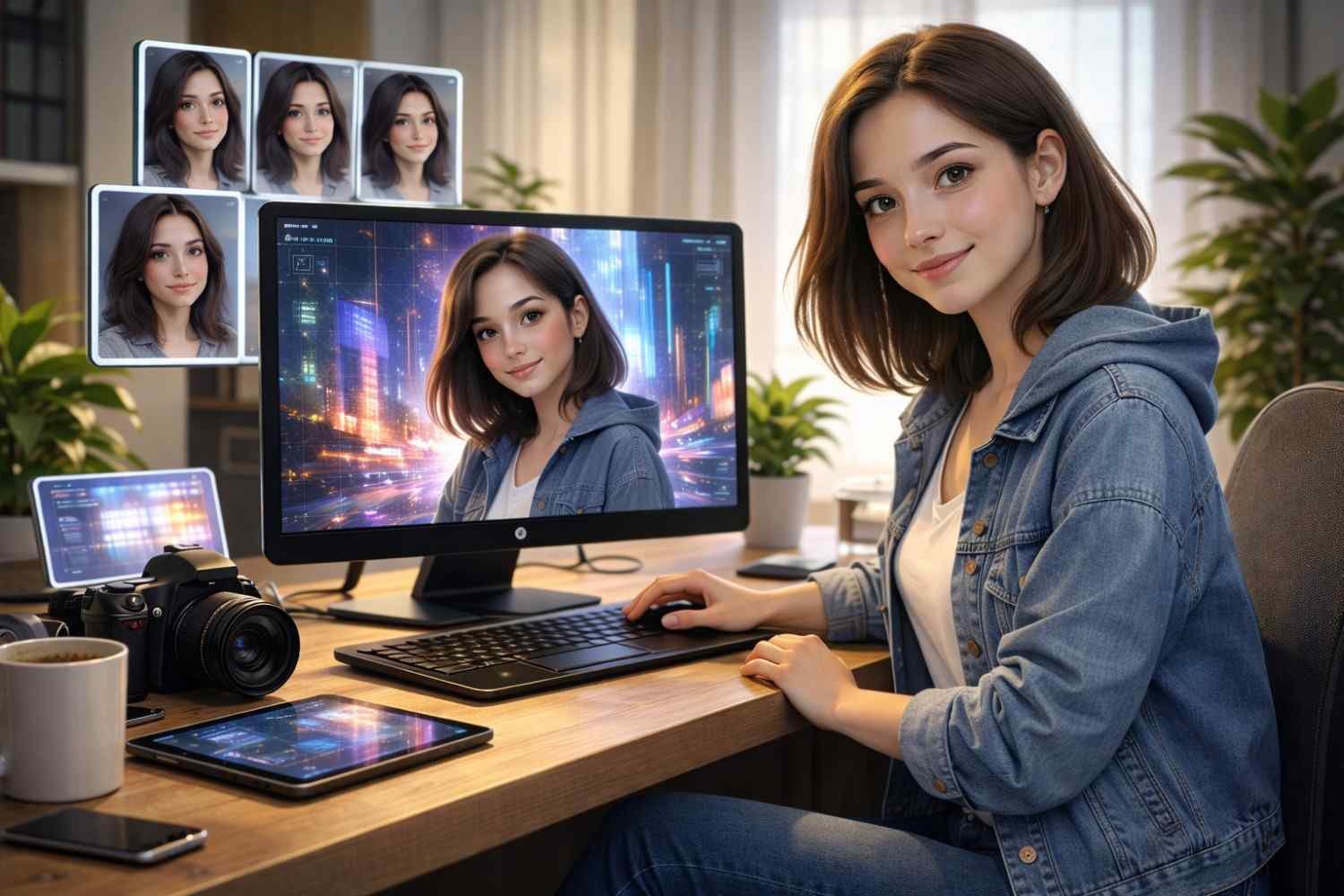
If you’ve ever wondered how to incorporate yourself in AI image generators, you’re not alone! AI image generators have developed into an effective means for producing customized graphics, whether for content production, personal branding, or just for fun. These tools allow you to generate images based on your likeness, turning text prompts into portraits, avatars, or even creative visual art. But how do you actually incorporate yourself into these digital works of art? Let’s break it down.
What Are AI Image Generators?
AI image generators are machine learning models that can create images from textual descriptions or even transform existing photos into new visual styles. These tools use advanced algorithms to understand your input and output stunning visuals. Popular platforms like DALL·E 2, MidJourney, and Artbreeder can produce anything from abstract art to lifelike portraits by simply tweaking settings or providing personal input.
But what if you want to create an image that looks like you? Whether you’re making a digital avatar for your brand or creating a unique social media profile picture, here’s how you can incorporate yourself into these AI-powered tools.
How Do You Upload Photos to AI Image Generators?
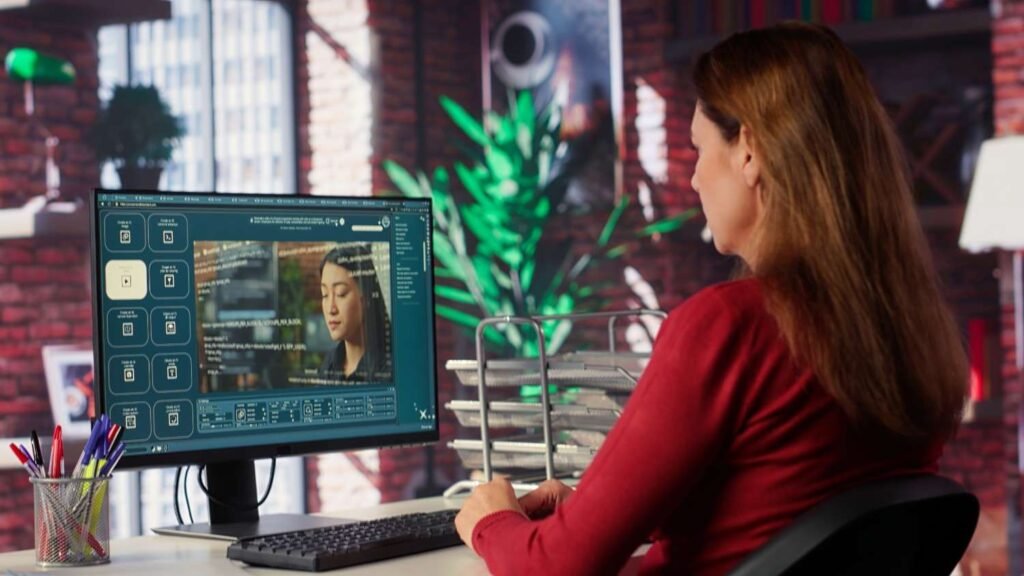
The first step is to upload a clear image of yourself. While AI generators like Artbreeder and Deep Dream Generator allow you to upload your photo as a reference point, some tools require specific image formats or dimensions to work best. It’s crucial to provide high-quality images, as the AI needs enough detail to accurately replicate your appearance.
Tips for Uploading Photos:
- Choose well-lit images: Good lighting ensures that the AI can easily identify facial features and details.
- Use high-resolution images: Higher resolution photos provide more data for the AI to work with, resulting in better quality images.
- Select varied poses: Offering the AI a mix of facial expressions and angles can help generate more diverse outputs.
Top Methods to Incorporate Yourself Into AI-Generated Images
1. Image-to-Image (Img2Img) Generation
One of the most effective ways to incorporate yourself into AI images is through Image-to-Image (Img2Img) Generation. By uploading a high-quality, well-lit selfie, you can use tools like Leonardo.ai, Runway, or Stable Diffusion. The AI uses your photo as a reference and creates a new image while maintaining your likeness, adding the stylistic or environmental changes you specify.
2. Character Reference Tools
For precise likeness, use Character Reference tools available on platforms like Leonardo AI. After uploading your photo, you can instruct the model to use your facial structure as the basis for generating new images. This method ensures that your facial features are consistently replicated across multiple images.
3. AI Face Swapping Apps
If you want to swap your face into existing AI-generated art quickly, apps like Reface or InsightFaceSwap (for Discord) are excellent choices. These apps allow you to swap your face with generated characters instantly, making them perfect for creating fun and personalized visuals in a short time.
4. Training a LoRA Model
For the most accurate and high-quality AI-generated images, consider training a LoRA model. Platforms like Replicate allow you to feed the AI multiple photos of yourself (typically 10-20 images) to “teach” it your facial features. This creates a custom model that can generate highly consistent, realistic results. LoRA models are great for those who want complete control over the generation process and aim for professional-grade images.
5. AI Portrait Generators
If you’re looking for something simpler, consider AI Portrait Generators like Canva’s AI Avatar Creator or Meta AI for social media platforms like Instagram or WhatsApp. These tools are easy to use and can generate stylized portraits based on your input, perfect for quick, personalized visuals.
Best Practices for Better Results
To get the best possible output from AI image generators, follow these best practices:
1. Image Quality Matters
Use clear, high-resolution photos with good lighting. Avoid heavy shadows or distracting backgrounds, as these can interfere with the AI’s ability to accurately interpret your features. A simple, well-lit selfie is often the best starting point.
2. Provide Multiple Angles
When training a custom model or using image-to-image generation, providing multiple photos from different angles, lighting, and facial expressions will yield better results. This gives the AI more data to work with and helps ensure consistency in the final output.
3. Be Descriptive with Prompts
When using image-to-image tools, the prompt is key to getting the image you envision. Be specific about what you want the scene or background to look like while letting the AI handle the facial features. For example, you could use a prompt like:
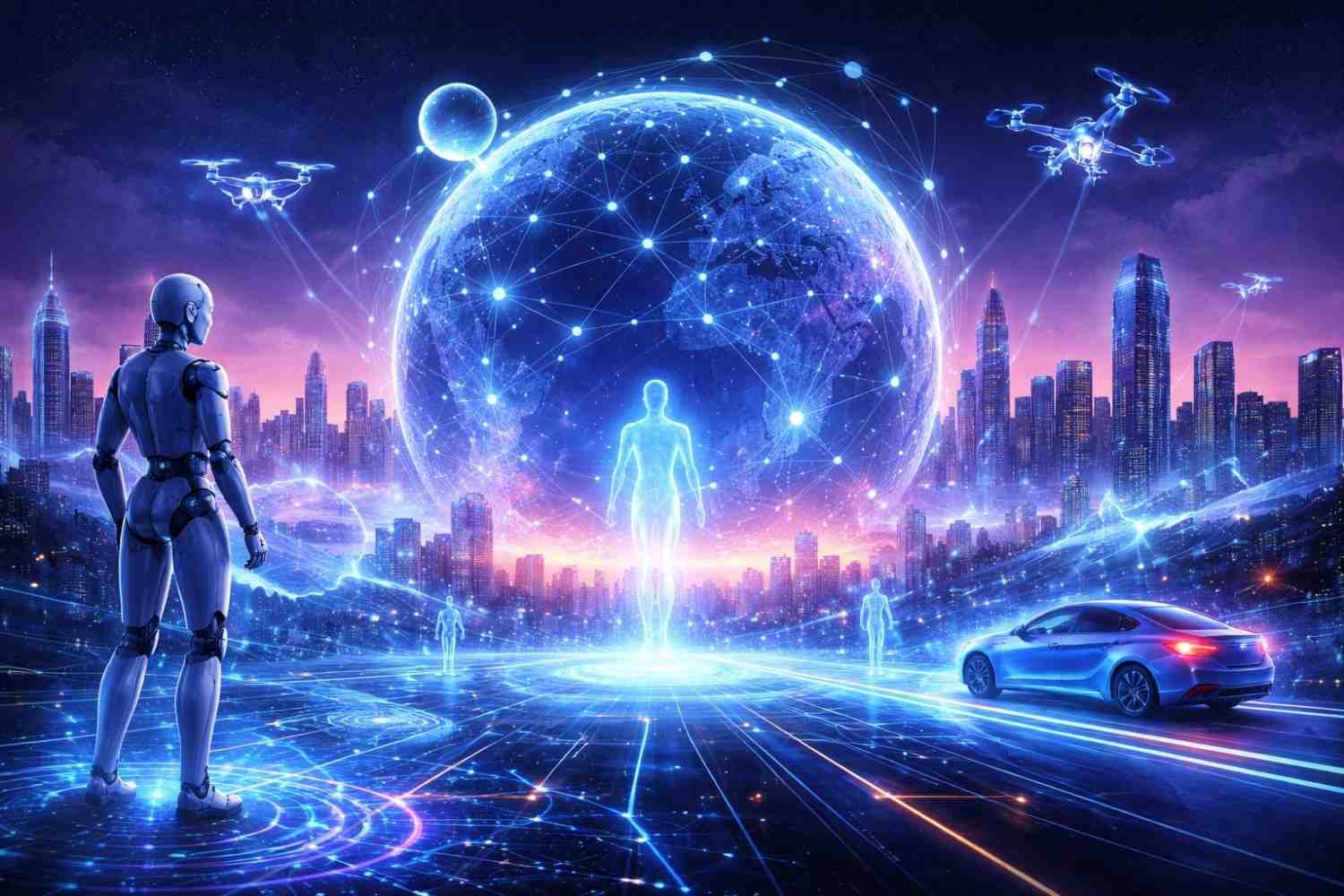
“Generate a portrait of a woman with short brown hair, wearing a blue hoodie, standing in a futuristic city with neon lights and holograms.”
4. Experiment with Styles
Don’t be afraid to experiment with different styles, from photorealistic to artistic or abstract. Many AI tools allow you to choose the overall look of the image, such as cyberpunk, vintage, or cartoonish. This is a great way to explore how different aesthetics can enhance your personal image.
How to Create Personalized AI Images Using Prompts
Once you’ve uploaded a photo, the next step is to guide the AI to create an image that closely represents you. This is where text prompts come in. The key to success here is writing detailed, clear prompts that instruct the AI on how to generate the image. Think about describing not just your appearance but also your desired artistic style, background, and even the mood of the portrait.
Example Prompt for AI Image Generation:
Let’s say you want an image of yourself in a futuristic city. You might input:
“Create a portrait of a woman with short dark hair and a blue hoodie, standing against a neon-lit cityscape at night, looking confident. The style is cyberpunk with sharp contrasts, glowing lights, and a futuristic vibe.”
AI platforms often allow you to tweak or fine-tune these results, adjusting things like background color, outfit, and pose, depending on the model you’re using.
Tools You Can Use to Incorporate Yourself Into AI Art
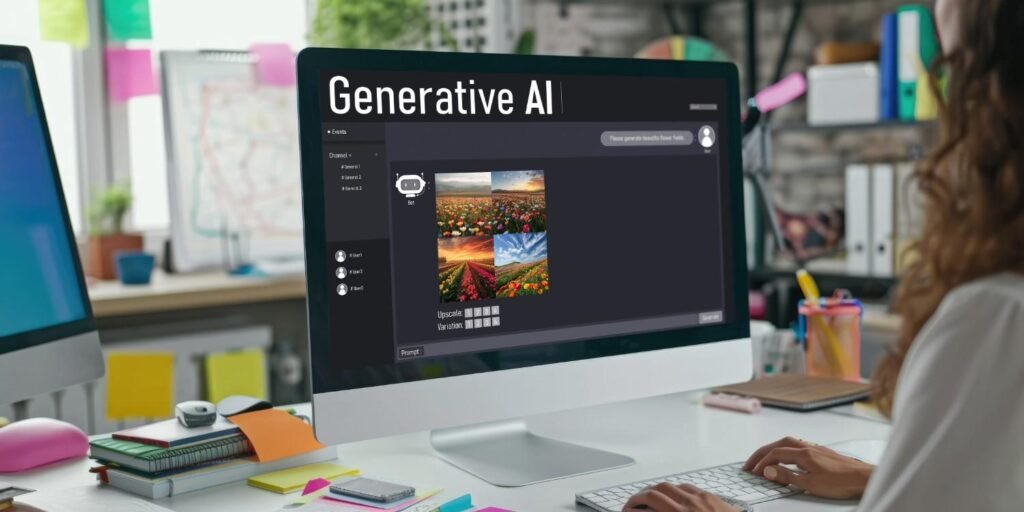
Here are a few popular tools that make it easy to generate images from your photos and prompts:
1. DALL·E 2 by OpenAI
DALL·E 2 is a well-known AI image generator that creates stunning visuals from text prompts. You can also upload a reference image and tell the AI what changes you want to make, such as adding your likeness to an imaginative scene or adjusting certain features.
2. Artbreeder
Artbreeder is a popular AI art platform that allows you to combine your image with others or tweak facial features, clothing, and backgrounds. It’s a great way to generate more stylized versions of your portrait.
3. Deep Dream Generator
For a more surreal take, Deep Dream Generator turns images into unique, often abstract versions based on deep learning models. If you upload a photo and apply a “dream” effect, you can create an interesting blend of your personal image with artistic features.
Privacy, Legal, and Ethical Considerations
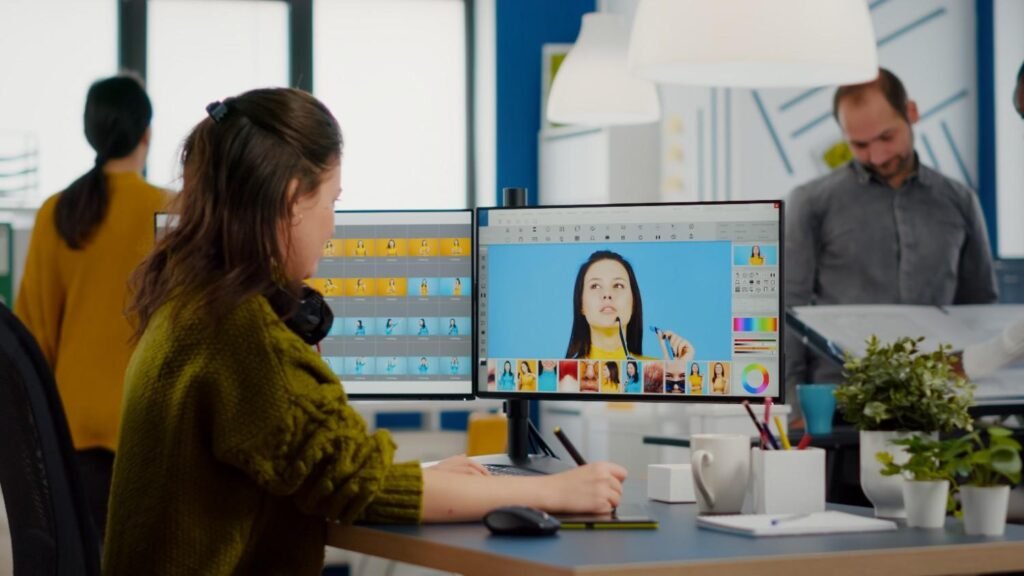
While AI image generators are fun and creative, it’s important to keep privacy and ethical considerations in mind when using your likeness.
- Consent and Usage Rights: Always ensure that you have the right to use the photo you upload. Many platforms require explicit consent for the use of personal images.
- Copyright Issues: When creating AI-generated art based on your image, make sure you understand how the images will be used, especially if you plan to monetize them. Some tools might retain certain rights over the generated images, so check the platform’s terms and conditions.
Frequently Asked Questions (FAQs)
1. Can I use AI image generators to make avatars for social media?
Absolutely! AI generators are great for creating unique avatars or profile pictures. You can customize your avatar based on your features, style preferences, and the platform you’re using.
2. Do I need to be a tech expert to use AI image generators?
No! Most AI image generators are designed to be user-friendly. With just a photo and a detailed prompt, anyone can create impressive results without needing coding skills.
3. How accurate are AI-generated images of myself?
The accuracy depends on the quality of the photo and how well you write your prompts. The better your input, the more realistic the output. Some AI tools can produce almost lifelike images, while others might give a more abstract or stylized version of you.
4. What if I don’t like the AI-generated image?
Most AI platforms let you adjust the results by refining your prompt or making edits to the uploaded photo. You can often regenerate the image or tweak features until you’re satisfied.
Conclusion
Incorporating yourself into an AI image generator is a fun and creative way to explore new digital representations of yourself. You can create customized graphics that reflect your vision by sharing a high-quality photo and giving a thoughtful prompt. AI image generators let you transform your likeness into digital art, whether you’re experimenting with various looks or developing a brand identity or social media avatar.
Remember to always review the terms of use and privacy policies of the platforms you’re using, and enjoy the creative journey of exploring AI art!